
You plug in a new television, subscribe to a Canal Plus offer, and the first question arises: do you really have to wait for the delivery of a decoder to start live streaming? In most cases, no. The Canal Plus app works on a wide range of connected screens, provided you check a few compatibility points that the usual guides tend to overlook.
Actual Compatibility of Smart TVs with the Canal Plus App
Most televisions sold today come with a connected system (Tizen on Samsung, webOS on LG, Google TV on Sony or TCL). The Canal Plus app is available on these platforms, but the version of the operating system determines access. A 2016 Samsung TV running Tizen 2.4, for example, may not offer the app in its latest version, or may offer it with limited features.
Before subscribing to a plan relying on your Smart TV, check two things: the brand and the model year, then the availability of the app in the integrated store. Canal Plus updates its list of compatible devices, and a model that worked yesterday may lose support after a software update. This is not a common issue, but it’s the kind of unpleasant surprise that leads to purchasing an external box.
For those who want to watch Canal Plus without a decoder on an older television, the solution often involves an intermediary device connected via HDMI rather than the TV’s native app.
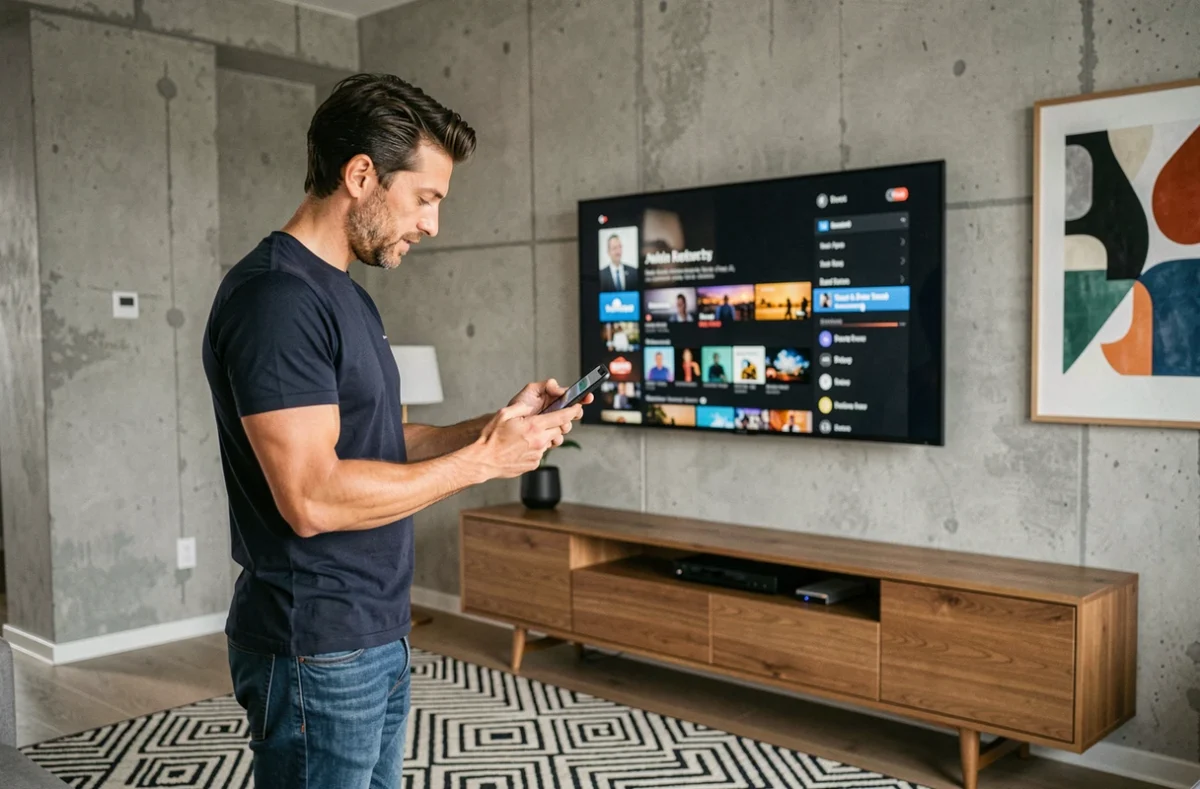
HDMI Boxes and Streaming Sticks: Which Device to Choose for Canal Plus
When the Smart TV is not enough (or when you don’t own one), a media box can turn any TV with an HDMI port into a connected screen. Three main families dominate the market.
- Google TV (or Android TV) sticks and boxes: Chromecast with Google TV, Xiaomi TV Stick, NVIDIA Shield. The Canal Plus app is available on the Google Play Store, and compatibility is broad. You install it, connect to your account, and live streaming starts.
- Apple TV 4K: it provides access to the Canal Plus app via the App Store. Navigation is smooth and video quality is excellent, but the entry price is significantly higher than an HDMI stick running Android TV.
- Amazon Fire TV Sticks: the Canal Plus app is also available here. It is often the cheapest option to access streaming on a non-connected television.
A box costing less than fifty euros replaces a Canal decoder in most use cases: live, replay, access to on-demand programs. The only limitation concerns recording, which remains tied to the physical decoder provided by Canal Plus.
Canal Plus Subscription and Access to Channels: What the App Really Allows
One point that practical guides rarely address directly: owning a compatible device is not enough. Access to channels depends on the subscription plan, not the device used. If the subscription does not cover a channel (like Sport+, for example), the most powerful box in the world won’t change that.
The Canal Plus app allows you to watch live, access replay, and browse the on-demand catalog. For some content, downloading for offline viewing is offered, but not all programs are eligible. Restrictions vary depending on the type of program and the screen used.
Multiple Screens, One Account
Canal Plus allows the use of the app on multiple devices with the same account. You can start a movie on a tablet and finish it on the television. The number of simultaneous screens depends on the subscription plan chosen, and this is a criterion to check at the time of subscription if the household has multiple users.
Internet Connection: The Real Prerequisite for Canal Plus Without a Decoder
Going without a decoder means relying on the internet. Without a stable connection, there is no streaming in decent quality. Live streaming in high definition requires a steady bandwidth, and a fiber connection or good ADSL is preferable. On 4G, viewing works but stability varies depending on the network coverage of the home.
For households without reliable internet access, the historical solution remains satellite reception with a dish, which requires a dedicated decoder. The “no decoder” alternative relies entirely on an internet connection: it’s a technical choice, not a universal simplification.
Data Consumption on Mobile and Tablet
Watching Canal Plus on a smartphone or tablet via mobile network consumes several gigabytes per hour in high definition. Adjusting the video quality in the app settings helps limit consumption, a useful reflex when using a plan with a limited data allowance.
The choice between a physical decoder and the app ultimately depends on three variables: the quality of the internet connection, the compatibility of the screen (or intermediary box), and the exact content included in the subscription. Checking these three points before committing avoids most of the disappointments reported on Canal Plus support forums.