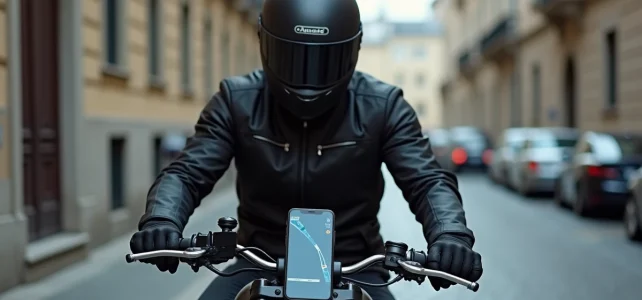
On the highway, Waze recalculates a route passing through an access ramp prohibited for two-wheelers. In the city, the app suggests a U-turn where one could simply filter through traffic. The motorcycle mode of Waze exists, but simply activating it does not make navigation relevant on a bike.
Waze in motorcycle mode: what the setting really changes in route calculation
It is often said that switching Waze to motorcycle mode transforms the experience. The reality is more nuanced. The setting is found in Settings, then Navigation, then Vehicle Type. By selecting Motorcycle, Waze adjusts its travel time estimates and may suggest routes through narrow paths inaccessible to cars.
The algorithm does not fundamentally recalculate routes. It remains focused on the fastest route, not the most suitable for a two-wheeler. Winding roads, pleasant country roads, or routes to avoid in case of crosswinds are not part of its criteria. Waze remains an urban and commuting navigation tool, not a ride planner.
For those who want to go further in the settings, one can use Waze in motorcycle mode by following a detailed procedure that also covers Crit’Air sticker settings and speed alerts.
The real benefit of motorcycle mode lies in arrival estimates. The times calculated for a car often overestimate the duration for a motorcyclist filtering through traffic in urban areas. With the right setting, the displayed arrival time aligns better with reality.
Mount, battery, and hands-free: the hardware constraint before the software
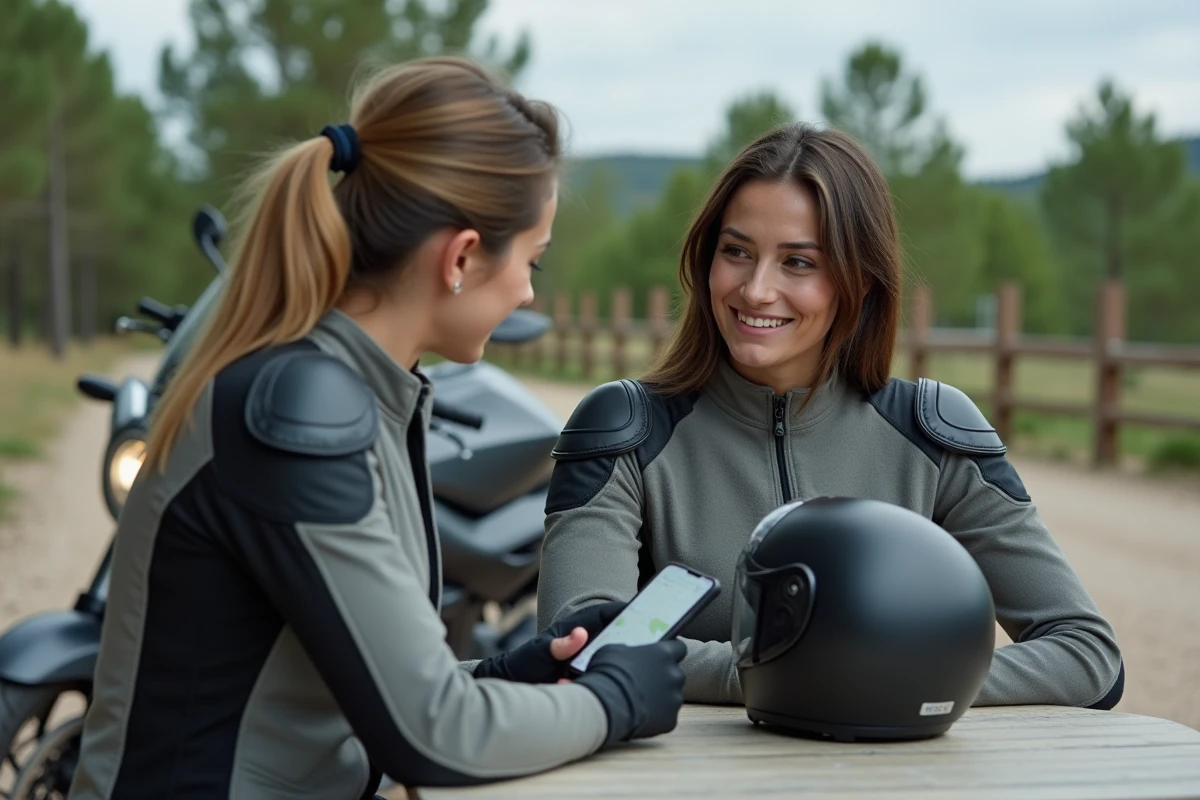
Before configuring anything in the app, a physical problem must be addressed. A phone placed in a jacket pocket or wedged under a strap is useless for navigation. And a smartphone mounted without protection on a handlebar vibrates enough to damage the camera module within a few months.
The choice of mount conditions the entire GPS experience on a motorcycle. Magnetic mounting systems (like Quad Lock) offer a good compromise between stability and quick access. Cockpits with a remote screen go further by protecting the phone from vibrations, as it remains in a pocket or top case while the external screen displays the map.
Regulations impose strictly hands-free usage. Touching the phone screen at a red light exposes one to a license suspension. Recent developments on this point leave no margin: the penalty has become almost systematic.
- Activate Waze’s voice commands before starting (“OK Google, navigate to…”) to never touch the screen while riding
- Plug the phone into a dedicated power source, as Waze consumes a lot of battery when managing both the screen and GPS simultaneously
- Use a Bluetooth intercom to receive voice instructions in the helmet rather than relying on the phone’s speaker, which is inaudible above 50 km/h
Combining Waze and Liberty Rider on a motorcycle without overloading the phone
Waze manages real-time traffic and community reports (slowdowns, obstacles on the road, checkpoints). Liberty Rider manages rider safety with its automatic fall detection and emergency alerts. The two applications cover different needs and work well together, provided they are configured correctly.
The principle: Liberty Rider runs in the background while Waze displays navigation in the foreground. Liberty Rider does not need the screen to detect a fall; it uses the phone’s sensors (accelerometer, gyroscope). Waze, on its part, continues to send sound alerts even when another app comes to the foreground.
Role distribution between the two applications
First, launch Liberty Rider, activate trip mode, then switch to Waze to enter the destination. Feedback on this point varies depending on phone models, but on most recent devices, the two applications coexist without crashing.
The main risk is battery consumption. Two GPS applications running simultaneously can drain a phone in a few hours. A wired power source on the handlebar becomes essential, not optional.
When Waze is not enough: motorcycle GPS apps for rides
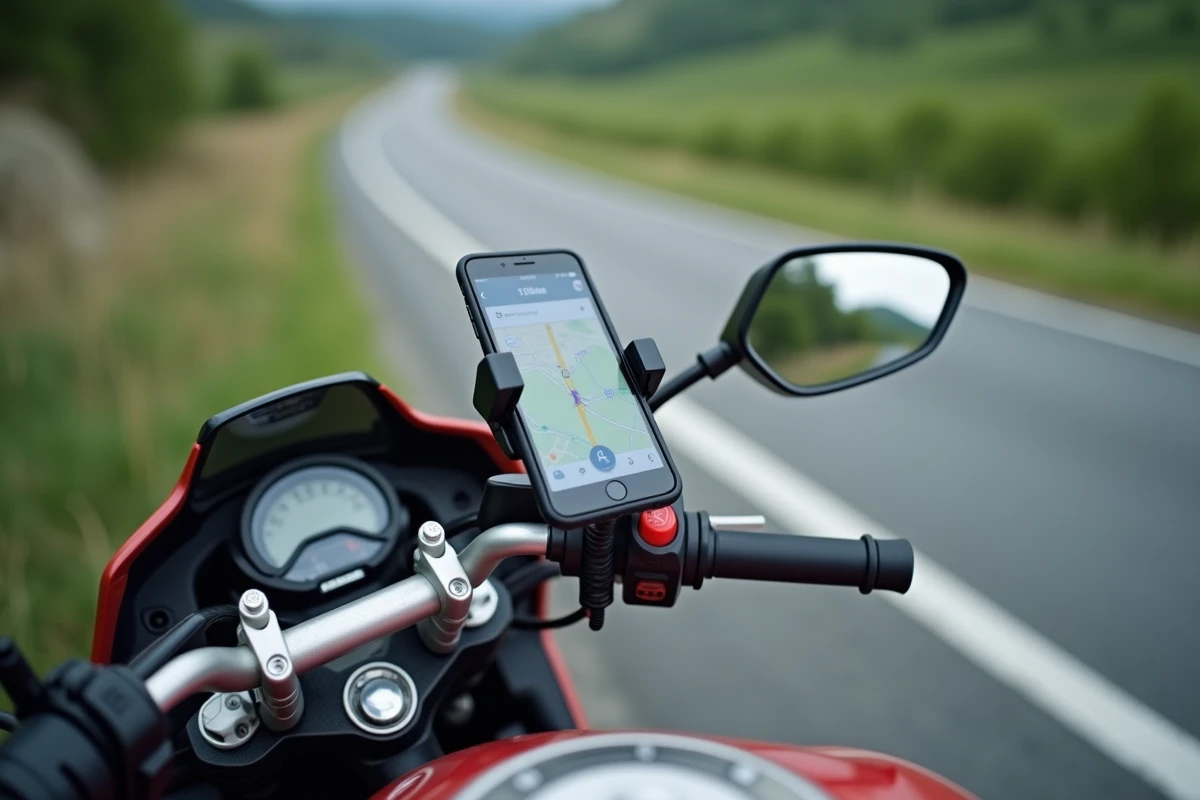
For the commute or urban travel, Waze remains the reference thanks to its real-time traffic information and very active community. However, as soon as one seeks a pleasure route (winding roads, mountain passes, scenic views), the app shows its limits.
Apps like Kurviger calculate routes specifically designed for motorcycles, favoring twisty roads and avoiding long straight routes. Waze optimizes travel time, Kurviger optimizes riding pleasure. The two logics are completely different.
- Waze: daily trips, community alerts, real-time traffic, smooth voice navigation
- Kurviger: planning winding routes, motorcycle points of interest, GPX export to other GPS
- Liberty Rider: fall detection, automatic emergency alerts, trip log
The most pragmatic approach is to use Waze during the week and switch to a dedicated app on the weekend. No single solution satisfactorily covers both uses.
The motorcycle mode of Waze improves time estimates and unlocks a few alternative routes, but it does not transform a general-purpose GPS into a navigation tool designed for motorcyclists. Adapting one’s equipment and combining the right applications according to the type of trip remains the only truly effective strategy.